How to Automate an SEO Audit for Your Website With Claude
AI Takeaway
Learn how to automate an SEO audit with Claude. Follow 6 simple steps, use a free SEO audit checklist and prompt, and find fixes in minutes, no
Key points
- Why Automate an SEO Audit?
- What You Need Before You Start
- How to Automate an SEO Audit: 6 Steps
- SEO Audit Checklist for Claude
- Mistakes to Avoid
- Copy and Paste Audit Prompt
Most site owners do one SEO audit, fix a few things, and never look again. Three months later, a plugin update breaks your titles, and nobody notices until traffic drops.
The fix is simple: automate the audit. With Claude, you can crawl your pages, read your Search Console data, score the problems, and get a ranked to do list. This guide shows you how to automate an SEO audit in six steps, even if you are new to SEO.
Why Automate an SEO Audit?
A manual audit means opening many tools, exporting files, and comparing them by hand. An AI SEO audit does the boring part for you. Claude reads the raw data, finds patterns, and explains each issue in plain words.
Saves time: minutes instead of hours.
Repeatable: run the same checks every month and compare results.
Easier to prioritize: Claude can sort fixes by impact and effort.
Cheaper: several useful tools are free or open source.
Important Note: AI can make mistakes. Treat the output as a smart first draft. Always check serious findings yourself before you change your site.
What You Need Before You Start
Tool | What it does | Cost |
Claude or Claude Code | Reads data, writes the report | Your Claude plan |
Google Search Console | Shows real clicks, impressions, indexing | Free |
Lighthouse / PageSpeed | Speed, accessibility, basic SEO score | Free |
A crawler | Finds broken links, titles, redirects | Free tier or open source |
Optional MCP servers | Let Claude pull live data. | Free to pay |
New to MCP? Read our guide to the best SEO MCP servers for Claude first. Only audit sites you own or have permission to test.
How to Automate an SEO Audit: 6 Steps
Step 1: Write your audit rules.
Start with a short list of what "good" looks like. For example: one H1 per page, a title under 60 characters, every page returns status 200, and every image has alt text. Save it as a markdown file. In Claude Code, this file can become a reusable skill. Claude follows your rules the same way every time.
Step 2: Crawl your site
You need a list of your pages and their problems. You have three easy options:
Screaming Frog: the free version crawls up to 500 URLs. Export the results as CSV and give them to Claude. Community MCP servers can also drive it from Claude Code, but they need Screaming Frog installed on your computer.
Ask Claude Code to write a crawler: a short Python script can fetch each page and record the title, meta description, headings, status code, and canonical tag.
Use an audit MCP server: for example, SiteAudit MCP runs 20+ SEO checks. Its PyPI page lists a free basic tier and a $19 per month Pro plan.
Step 3: Add speed and quality data.
Run Lighthouse for your key pages. The command is npx lighthouse https://yoursite.com --output json --output-path report.json. Claude can read the JSON and explain the Core Web Vitals problems, like large images or slow scripts, in simple words.
Step 4: Add real search data
A crawl shows what is wrong. Search Console shows what matters. Connect it using our step by step guide to connect Google Search Console to Claude. Now Claude can link each problem to real traffic. A broken title on a page with 5,000 impressions is more urgent than one on a page with 5.
One open-source option, SEO Audit Console, joins Search Console with a first-party crawl so each finding carries the traffic at stake. It needs a Google service account to set up.
Step 5: Let Claude score and rank the fixes.
Now give Claude your rules, crawl file, Lighthouse report, and Search Console data. Ask for a prioritized action plan. If you use Claude Code, the open-source Claude SEO plugin offers a /seo audit command that runs several sub-agents in parallel and returns a prioritized plan. Read any plugin's code before you install it.
Ask for three groups: fix today, fix this week, and fix later. This keeps small teams from feeling buried.
Step 6: Fix, re-run, and schedule.
Fix the top items, then run the audit again to confirm the score improved. Next, schedule it. You can run the same script monthly with a simple cron job or a GitHub Actions workflow, and ask Claude to compare this month's report with last month's. Long audits use many tokens, so see our tips to save tokens in Claude Code.
SEO Audit Checklist for Claude
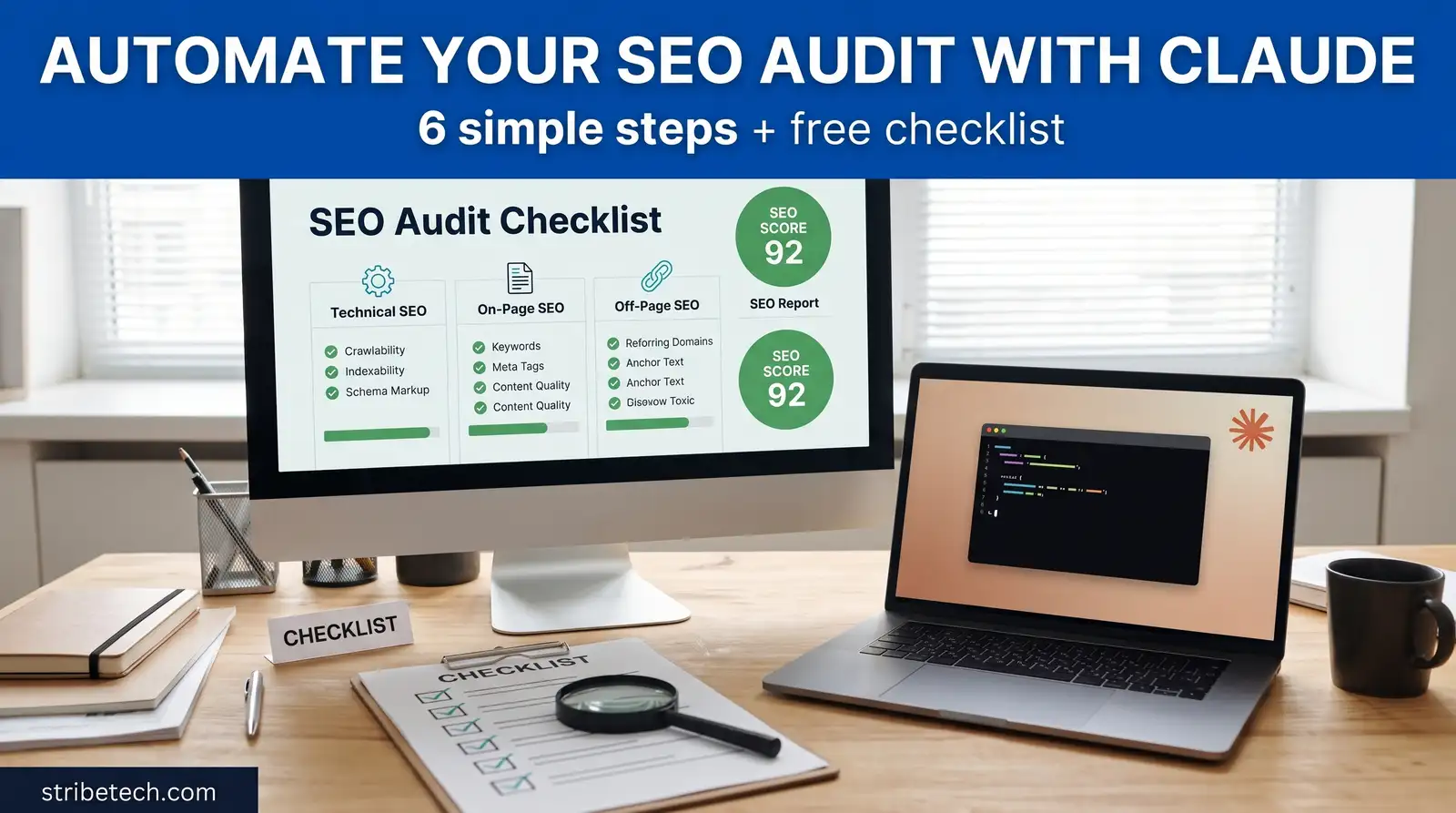
Use this SEO audit checklist as the base of your rules file:
Area | What to check |
Indexing | robots.txt not blocking key pages, sitemap submitted, no stray noindex tags |
Status codes | No 404s or redirect chains on important pages |
On-page | Unique title, meta description, one H1, clear headings |
Content | Thin pages, duplicate titles, missing internal links |
Speed | LCP, CLS, and INP in a good range on mobile. |
Mobile and HTTPS | Mobile friendly, valid SSL certificate, no mixed content |
Structured data | Valid schema where it fits, such as Article or FAQ |
Images | Alt text, compressed files, modern formats |
AI search | Clear answers, FAQ sections, fresh dates (see our practical guide to GEO) |
Mistakes to Avoid
Trusting every finding. Spot check at least five issues by hand.
Auditing without Search Console data. You will fix low-value pages first.
Giving tools wide access. Use read-only keys and review our MCP server security risks.
Fixing everything at once. Start with the top 10 issues.
Running it once. SEO changes weekly, so repeat the audit.
If you run a small business site, pair this with our small business website security checklist so you cover safety as well as SEO.
Copy and Paste Audit Prompt
You are a technical SEO auditor. I attached my audit rules, a crawl export (CSV), a Lighthouse JSON report and Search Console data for the last 90 days. 1) Find issues that break my rules. 2) Match each issue to its page traffic (impressions and clicks). 3) Give me a table: issue, affected pages, impact (high/medium/low), effort (easy/medium/hard), suggested fix. 4) Group the table into Fix Today, Fix This Week, Fix Later. 5) Use simple words and say clearly when you are unsure.
References
Frequently asked questions
How do I automate an SEO audit?
Write your audit rules, crawl your site, add Lighthouse and Search Console data, then ask Claude to score and rank the issues. Repeat monthly with a scheduled script.
Is an AI SEO audit accurate?
It is a strong first pass, but not perfect. Claude can misread data or miss context, so verify important findings before changing your site.
What is the best technical SEO audit tool for beginners?
Start with free tools: Google Search Console, Lighthouse, and the free Screaming Frog version for up to 500 URLs. Add Claude to read and explain the results.
Can Claude Code run a full SEO audit?
Yes. It can write a crawler, run Lighthouse, read exports, and build a report. Open-source plugins and MCP servers can speed this up.
What should an SEO audit checklist include?
Indexing, status codes, on-page tags, content, speed, mobile and HTTPS, structured data, images, and AI search readiness.
How often should I run an SEO audit?
Monthly for most sites, and after any big change such as a redesign, migration, or plugin update.
Is it free to automate an SEO audit?
Mostly. Search Console, Lighthouse, and the free Screaming Frog tier cost nothing. You pay for your Claude plan and any paid MCP tools.
Can I audit a site I do not own?
Only with permission. Crawling someone else's site can break their rules and put a heavy load on their server.
Written by
Rehan Naeem
Spotted a mistake? Report a correction · How we handle corrections
Keep reading
Best SEO MCP Servers for Claude in 2026: 5 Picks Compared
12 Best GitHub Repos for Web Development; Build a Website Faster
12 Best GitHub Repos for Claude Code Users