Best MCP Servers for Claude Code in 2026 (And Which Ones to Skip)
AI Takeaway
Find the best MCP servers for Claude Code in 2026, which ones to skip, and how to set them up. Includes install commands, safety tips and Claude connectors.
Key points
- What an MCP Server Does for Claude Code
- How These Servers Were Picked
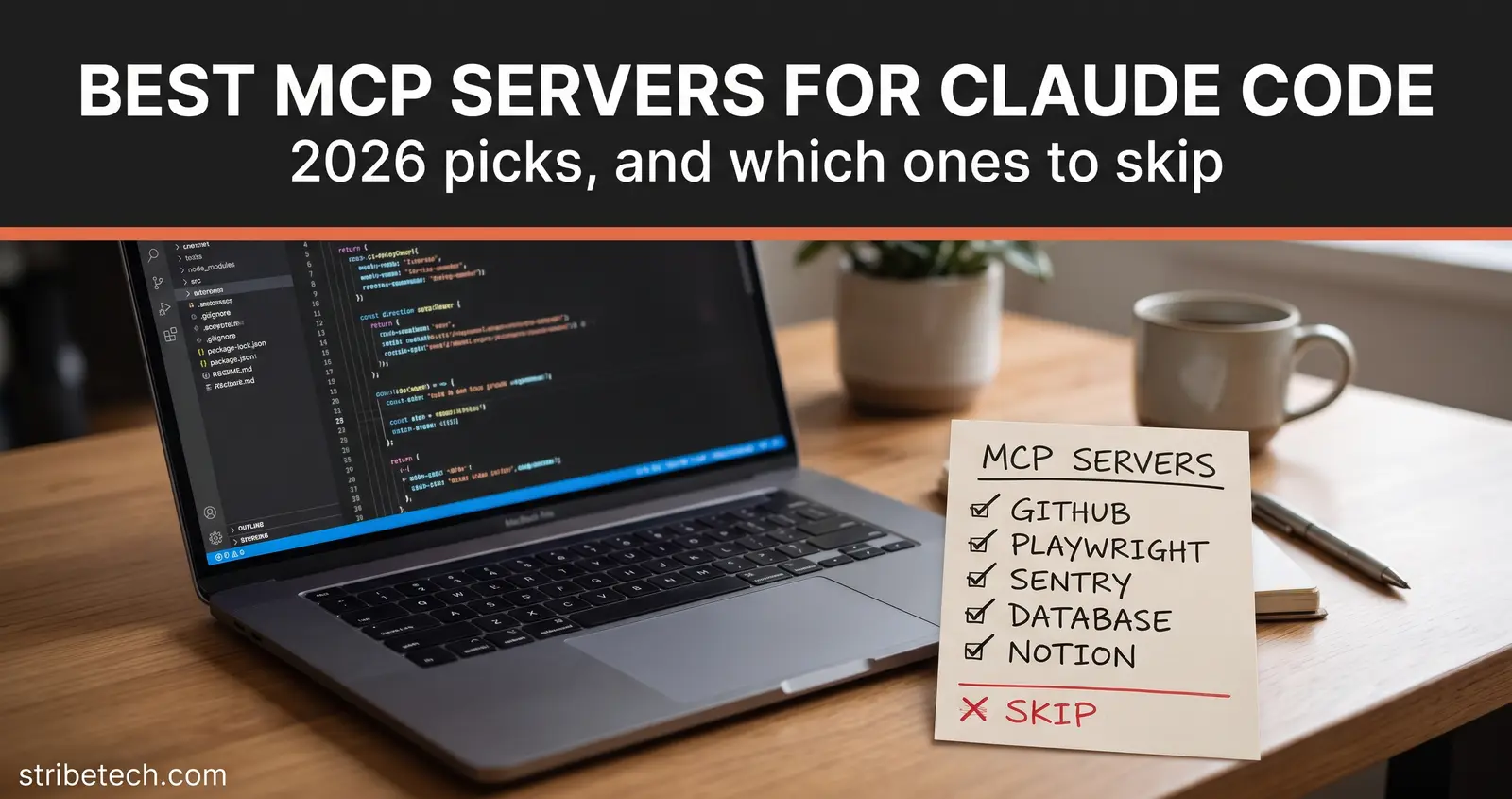
- The Best MCP Servers for Claude Code at a Glance
- The Starter Picks in Detail
- Which Servers Fit Which Person?
- MCP Servers to Skip.
Search for an MCP server list, and you’ll find thousands of options. One roundup puts the public registries at over 20,000 servers. It’s easy to install ten in an afternoon and end up with a slower, riskier setup than you started with.
The good news: most developers get nearly all the value from three to six servers. This guide covers the best MCP servers for Claude Code, the popular ones you should skip, and how to set everything up safely.
One honest note: this list draws on Anthropic’s documentation, the MCP project’s own repositories, and several published roundups. I haven’t benchmarked the servers myself, so test them on your own work.
What an MCP Server Does for Claude Code
MCP, the Model Context Protocol, is an open standard that lets Claude Code connect to outside tools, databases, and APIs. Anthropic’s docs give a simple test for when to add one: connect a server when you find yourself copying data into chat from another tool, like an issue tracker or a monitoring dashboard.
Once connected, Claude can read and act on that system directly instead of working from whatever you paste in.
How These Servers Were Picked
Clear maintainer. Preferably the vendor itself, such as GitHub, Sentry, or Microsoft.
Solves a repeated job. If you won’t use it weekly, skip it.
Easy, safe sign-in. Hosted servers with OAuth beat pasting long-lived secrets.
Limited permissions. You can restrict what it can read and change.
The Best MCP Servers for Claude Code at a Glance
Server | Best for | Type | Watch out for |
|---|---|---|---|
Context7 | Current, version specific library docs | Hosted or local | Optional API key for higher limits |
GitHub | Pull requests, issues, CI, repo search | Hosted HTTP | Large tool set, so scope it |
Playwright | Testing pages in a real browser | Local (npx) | Browser sessions can see page content |
Sentry | Production errors and traces | Hosted HTTP | Needs OAuth sign-in |
Database (DBHub) | Querying and schema questions | Local (npx) | Always use a read-only user |
Notion | Docs and specs | Hosted HTTP | Only connect workspaces you trust |
Linear | Tickets and planning | Hosted HTTP | Needs OAuth sign-in |
The Starter Picks in Detail
Step 1: Context7; current docs, fewer made-up APIs
Libraries change faster than any model’s training data. Context7 feeds version-specific documentation into Claude’s context so it stops suggesting functions that no longer exist. Roundups often rank it first because it’s free to start and light on tools. Check the project’s README for its current URL and key setup.
Step 2: GitHub: the repo assistant
The maintained server is GitHub’s own: github/github-mcp-server. Anthropic’s docs show connecting it with a fine-grained personal access token:
claude mcp add --transport http github https://api.githubcopilot.com/mcp/ \
--header "Authorization: Bearer YOUR_GITHUB_PAT"
Limit the token to the repositories you need. GitHub’s own guidance, as quoted by One RoundUp, says enabling only the toolsets you need helps the model choose tools and reduces context size.
Step 3: Playwright: let Claude check its own work
Microsoft’s Playwright MCP lets Claude open pages in a real browser, click through flows and verify changes instead of guessing. It’s great for developers and site owners testing forms and layouts.
Claude MCP add Playwright npx @playwright/mcp@latest
One roundup suggests picking Playwright or Chrome DevTools, not both.
Step 4: Sentry: bring production errors into the chat
Anthropic’s docs use Sentry as their sign-in example. Add it, run /mcp, and follow the browser steps:
claude mcp add --transport http sentry https://mcp.sentry.dev/mcp
Then ask, “What are the most frequent errors this week?”
Step 5: A database server, read only
Anthropic’s docs use DBHub (@bytebase/dbhub) to query PostgreSQL, and they advise a read-only database user so Claude can’t modify data.
Step 6: One docs or ticket tool
Pick the one your team already uses: Notion, Linear, or Jira. One is enough.
Which Servers Fit Which Person?
If you are… | Start with |
|---|---|
A student or new to MCP | Context7 and GitHub. Both are well documented and easy to remove. |
A developer on a product team | GitHub, Context7, Playwright and Sentry, plus your ticket tool. |
A software house lead | The same core set, shared through a project .mcp.json, with an approved list and read-only database access. |
A site owner working with a developer | GitHub and Playwright, so Claude can review changes and test pages. |
Add one server at a time and use it for a week. If you never reach for it, remove it.
MCP Servers to Skip.
Skip | Why | Use instead |
|---|---|---|
Archived reference servers for GitHub, Postgres, Slack, Puppeteer, Redis, SQLite, and others | Their repository was archived on May 29, 2025, and says no security guarantees are provided | github/github-mcp-server, DBHub or another maintained Postgres server, microsoft/playwright-mcp, a vendor-hosted Slack server |
Servers from random lists with no clear maintainer | Anthropic warns to verify trust, since servers that fetch outside content can expose you to prompt injection | Vendor-hosted servers or ones in the Anthropic Directory |
SSE-only setups | Anthropic marks the SSE transport as deprecated | HTTP servers, where available |
Full GitHub toolset when you only review PRs | More tools means more clutter and a bigger attack surface | Scoped toolsets |
Two browser servers at once | They overlap | One browser server |
A filesystem or git server for basic tasks | Claude Code already has file and shell tools, so these are often redundant | Built-in tools |
Write access to a production database | One bad query can change real data | A read-only user |
Claude Connectors vs MCP Servers in Claude Code
Claude connectors are MCP servers you add in claude.ai. If you log into Claude Code with a claude.ai account, they appear in Claude Code automatically. Here’s what to know:
Add them at claude.ai/customize/connectors. On Team and Enterprise plans, only admins can add servers.
Connectors load only with a claude.ai subscription login. They don’t load when you use an API key or a third-party provider such as Amazon Bedrock.
Anthropic’s Directory lists reviewed connectors, and you can add any remote server there with claude mcp add.
Some Anthropic-hosted connectors, such as Microsoft 365, Gmail and Google Calendar, don’t support local sign-in from Claude Code. Connect them on claude.ai instead.
A server you add yourself takes precedence over a connector with the same URL.
Claude Code MCP Setup in Five Minutes
For a remote server, use HTTP, the recommended transport:
claude mcp add --transport http <name> <url>
For a local server, put the launch command after a double dash:
claude mcp add --transport stdio <name> -- npx -y <package>
Then follow these steps:
Sign in. For OAuth servers, type /mcp in a session and follow the browser steps.
Check status. claude mcp list shows whether each server is connected.
Choose a scope. Local (default) is private to you in one project. Project writes to .mcp.json so your team shares it. User makes it available in all your projects.
Approve project servers. Claude Code asks before using servers from a .mcp.json file, which is a useful security checkpoint.
Remove what you don’t use. claude mcp remove <name>.
A Quick Safety Checklist
Verify who maintains the server before you connect it.
Use the narrowest token or OAuth scope that works.
Use read-only access for databases and anything holding customer data.
Be careful with servers that fetch web content, since pages can hide instructions.
Keep .mcp.json free of secrets, and use environment variables instead.
How Many Servers Is Too Many?
Claude Code’s tool search is on by default, which keeps tool definitions out of your context until Claude needs them. That helps, but it doesn’t remove the other costs. Claude Code also warns when a tool’s output exceeds 10,000 tokens and caps output at 25,000 tokens by default.
Reported measurements of how much context a server’s tools use vary a lot between roundups, so don’t trust any single number. Run /context to see your own, and disable servers with /mcp when you’re not using them. Three to six well-chosen servers beats twenty.
References
Frequently asked questions
What are the best MCP servers for Claude Code?
For most developers, the best starting set is Context7 for current library docs, the official GitHub MCP server for repos and pull requests, and Playwright for browser testing. Add a read-only database server, Sentry and one docs or ticket tool as needed.
How many MCP servers should I use with Claude Code?
Three to six well chosen servers is a practical range. Claude Code uses tool search by default, but every extra server still adds clutter, setup, and security risks, so disable ones you rarely use.
How do I add an MCP server to Claude Code?
For a remote server, run claude mcp add --transport http followed by a name and the server URL. For a local server, use --transport stdio and put the launch command after a double dash. Then run /mcp to sign in if the server needs it.
What is the difference between Claude connectors and MCP servers?
Connectors are MCP servers you add in claude.ai. When you log into Claude Code with a claude.ai subscription, your connectors appear automatically. Servers you add with Claude MCP add are configured only in Claude Code.
What are the MCP scopes in Claude Code?
Local scope is private to you in one project and is the default. Project scope stores the server in a .mcp.json file shared with your team. User scope makes the server available in all your projects.
Are MCP servers safe?
They can be, if you choose carefully. Anthropic advises verifying that you trust each server, because servers that fetch outside content can expose you to prompt injection. Use vendor-maintained servers, narrow permissions, and read-only database access.
Which MCP servers should I skip?
Skip archived reference servers such as the old GitHub, Postgres, Slack, and Puppeteer ones; servers with no clear maintainer; SSE-only setups; and duplicate servers that do what Claude Code already does natively.
Is the GitHub MCP server still maintained?
Yes, GitHub maintains its own server at github/github-mcp-server. The older reference version in the MCP project’s repository was archived and is no longer maintained.
Do MCP servers use a lot of tokens?
They can. Claude Code defers tool definitions with tool search by default, but tool output still counts. It warns above 10,000 tokens of output from a tool and caps output at 25,000 tokens by default.
Are there free MCP servers for Claude Code?
Yes. Context7 and Playwright are free to start, according to published roundups. Hosted servers from services like GitHub, Sentry, or Notion need an account with that service, so check their current pricing.
What is the Context7 MCP server?
Context7 is an MCP server that injects current, version specific documentation for libraries into Claude’s context, which helps reduce answers based on outdated or invented APIs.
How do I check which MCP servers are connected in Claude Code?
Run /mcp inside a session to see each server and its status, or run claude mcp list in your terminal. Use Claude MCP, followed by a name for details.
Do I need MCP servers for a small business website?
Not many. If you or a developer work on the site with Claude Code, GitHub and Playwright are the most useful starting points. Add others only when you notice yourself copying data into chat from another tool.
How do I remove an MCP server from Claude Code?
Run claude mcp remove followed by the server name. For remote servers, Claude Code also deletes the OAuth tokens it stored for that server.
Written by
Muhammad Sohaib
Spotted a mistake? Report a correction · How we handle corrections
More on AI Claude Tools
12 Best GitHub Repos for Claude Code Users
Why Too Many MCP Servers Slow Claude Down (and How to Fix It)
What Is Graphify? How It Turns Your Codebase Into a Knowledge Graph for Claude Code